
Open Hirin login page with Hirin URL : https://app.hirin.ai
- You will see standard login page to enter email id and password.
- Once you login on home page bottom left you will an option “Settings”.
- From Settings option you will be redirected to another page where you can see an option Time zone.
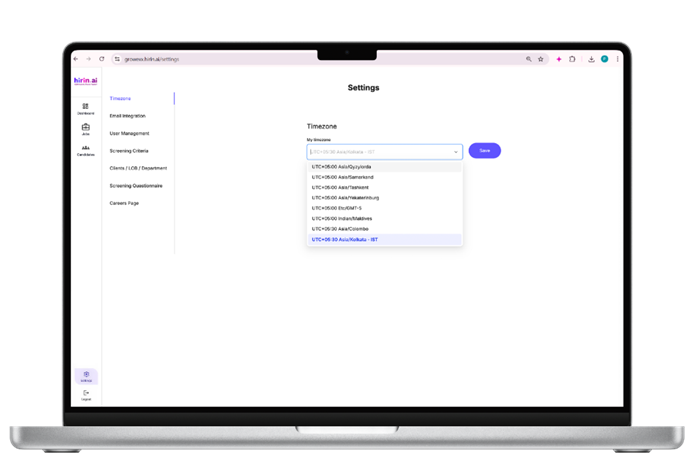
Once we click on dropdown, we have an option to select time zone and save.
Was this article helpful?
That’s Great!
Thank you for your feedback
Sorry! We couldn't be helpful
Thank you for your feedback
Feedback sent
We appreciate your effort and will try to fix the article