Step-by-Step Process
Open the knowledge base
- Click Support in the left sidebar. The Hirin help centre opens in a new browser tab.
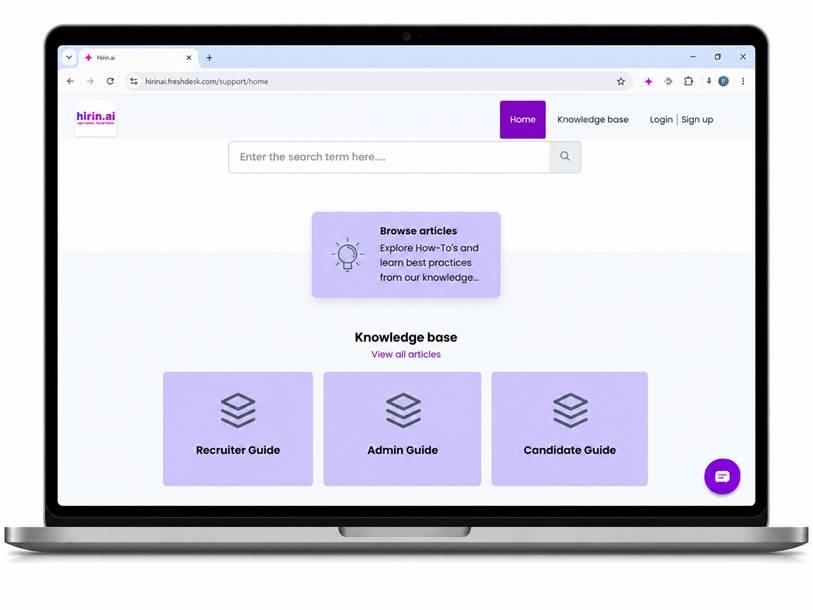
- On the help centre home page, use "Enter the search term here…" to search articles by keyword.
- Browse by guide: Recruiter Guide, Admin Guide, and Candidate Guide, or choose View all articles.
Use the in-app chat
- Click the chat icon in the bottom-right corner of any Hirin screen.
- Type your question to get help or reach the support team.
Contact support directly
- Email support@hirin.ai for help with any issues.
- For configuration that is managed for you (e.g. workflows, interview venues), contact your Hirin point of contact (POC).
Was this article helpful?
That’s Great!
Thank you for your feedback
Sorry! We couldn't be helpful
Thank you for your feedback
Feedback sent
We appreciate your effort and will try to fix the article