Recruiters can now invite candidates from the Global Talent Pool to one or more jobs by email. Each candidate receives a single email listing the matching job opportunities and can review and apply directly from the email. Once a candidate applies, they are automatically added to the job pipeline and resume parsing begins — making this an efficient way to re-engage Global Talent Pool candidates and connect them with relevant roles.
How to Invite Candidates via Email
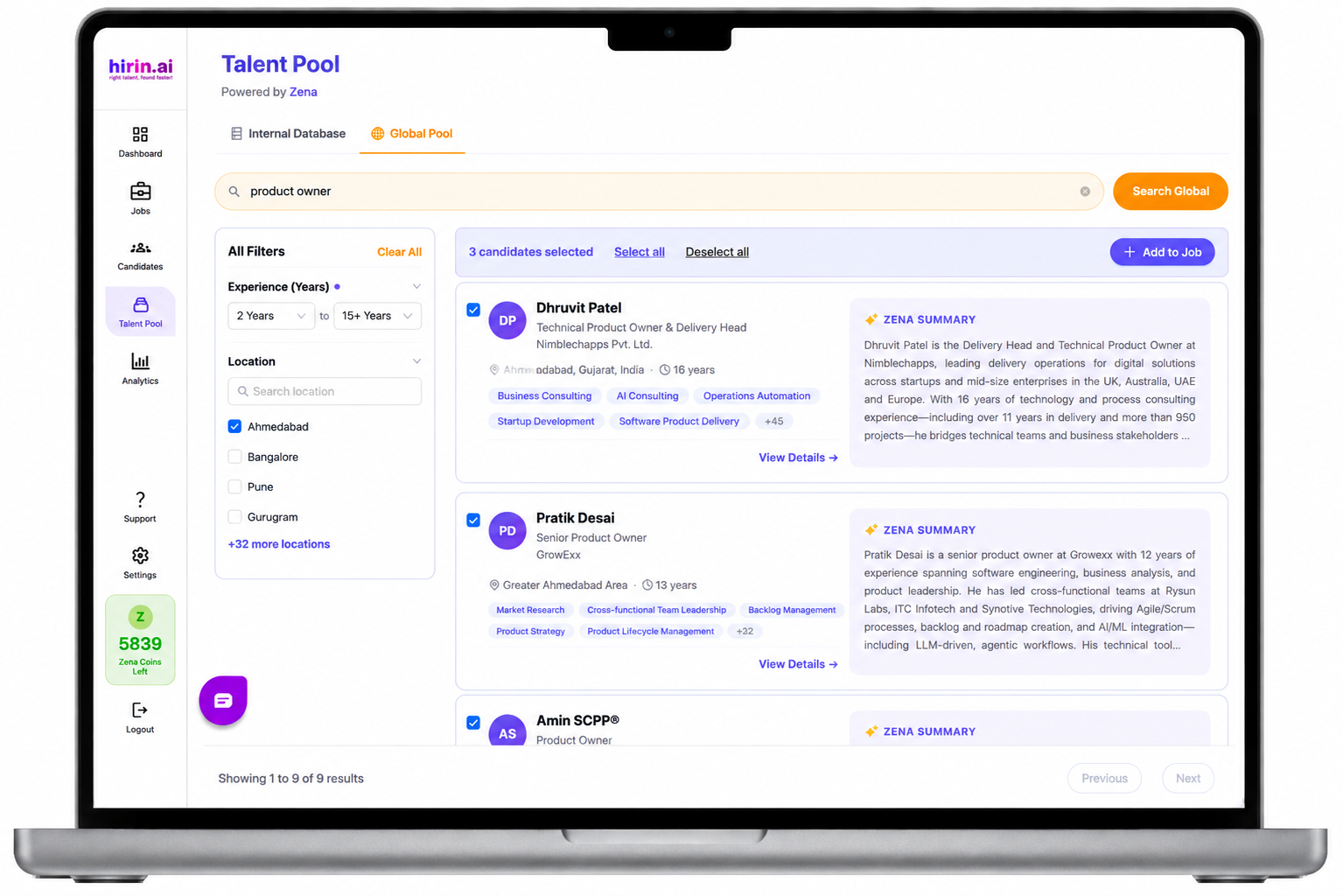
Step 1: Select candidates from the Global Talent Pool
- In the Global Talent Pool, select one or more candidates you want to invite to jobs.
- Start the email invite flow to send them matching job opportunities.
Step 2: The candidate receives the invitation email
- Each selected candidate receives a single email containing the job opportunities that match their profile.
- Every job in the email includes a View Job & Apply button with a secure, candidate-specific invitation link.
Step 3: Candidate reviews and applies
- The candidate opens the email, reviews the job details, and applies directly using the View Job & Apply button.
- The secure invitation link ensures each application is tied to the correct candidate and job.
What happens after the candidate applies
- The candidate is automatically added to the job pipeline.
- Resume parsing starts automatically, so the candidate's details are ready for screening.
If you have any questions or face any issues, please reach out to the Support Team.
Was this article helpful?
That’s Great!
Thank you for your feedback
Sorry! We couldn't be helpful
Thank you for your feedback
Feedback sent
We appreciate your effort and will try to fix the article