
Step 1: Define the Job Description
- Navigate to the Jobs section from the left sidebar.
- Click Create Job in the top-right corner.
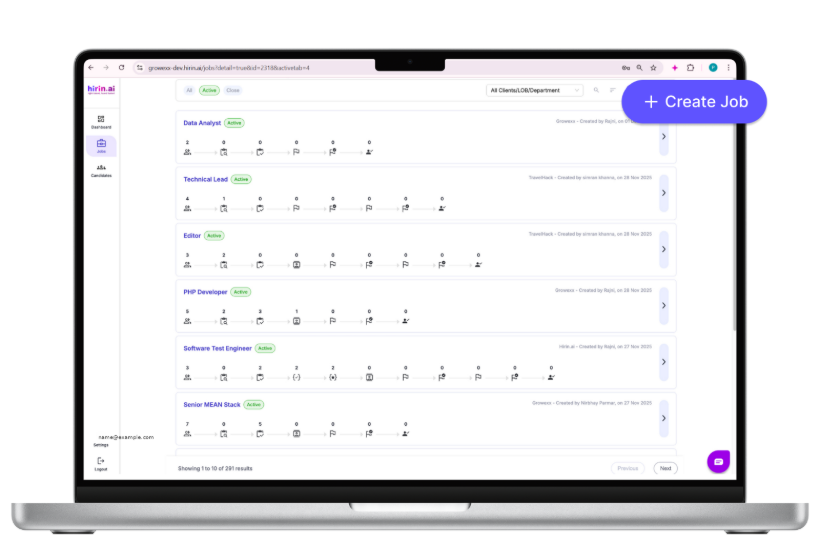
Figure 2: Jobs page with the Create Job button (top-right)
- Enter the Job Title (mandatory to proceed).
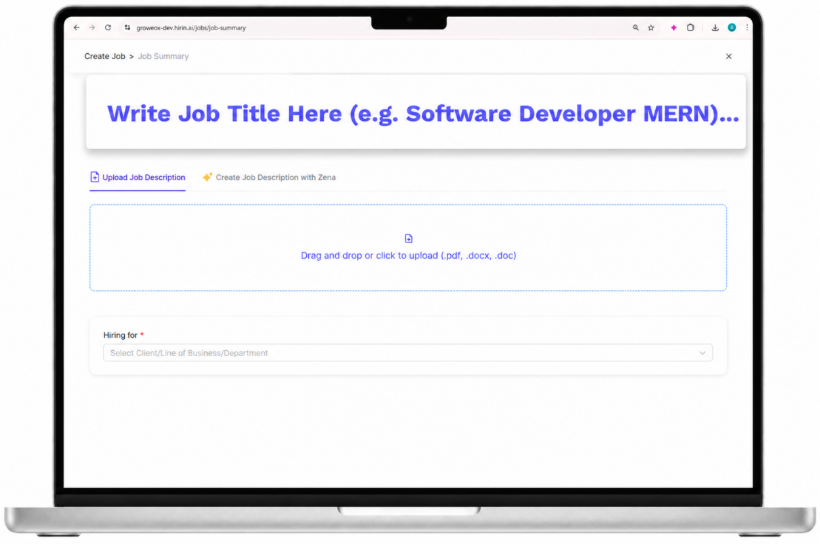
Figure 3: Entering the Job Title
Add the Job Description (two options)
Option 1: Upload a Job Description
- Upload your JD (PDF, DOC, DOCX) using drag-and-drop or the file picker.
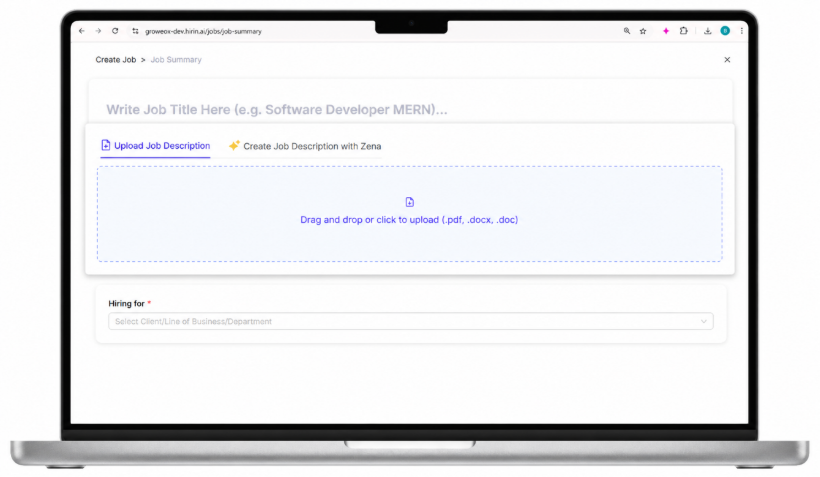
Figure 4: Uploading a job description file
How it works: Zena, our AI agent, automatically analyses your JD, extracts the key responsibilities, and identifies must-have and good-to-have skills. You can review and refine these details before proceeding, which improves screening accuracy.
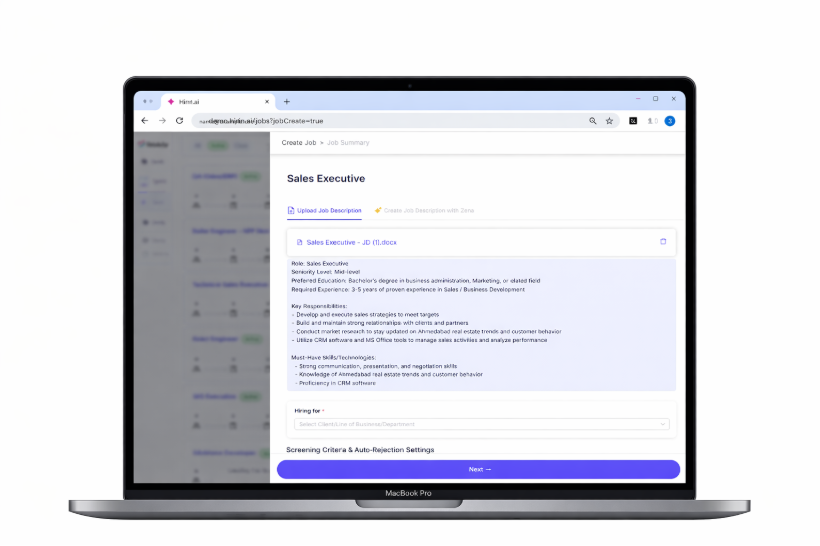
Figure 5: Zena extracting responsibilities and skills from the JD
Option 2: Create a Job Description with Zena
- Select Create Job Description with Zena.
- Enter the Job Title and a brief role description, then click Create.
- Zena generates a complete job description including roles, responsibilities, and required skills.
- Edit and customise it before moving forward.
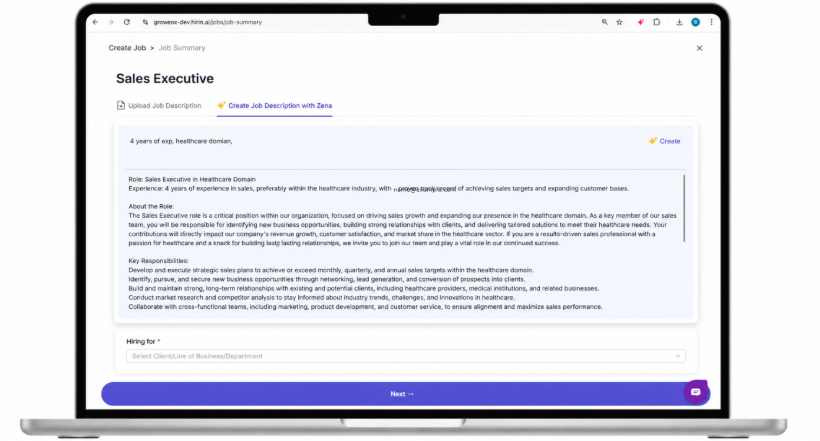
Figure 6: Generating a job description with Zena
Select Line of Business / Department / Client
Choose the relevant Client, LOB, or Department — this is reflected in candidate communication (including branding) — then proceed to the next step.
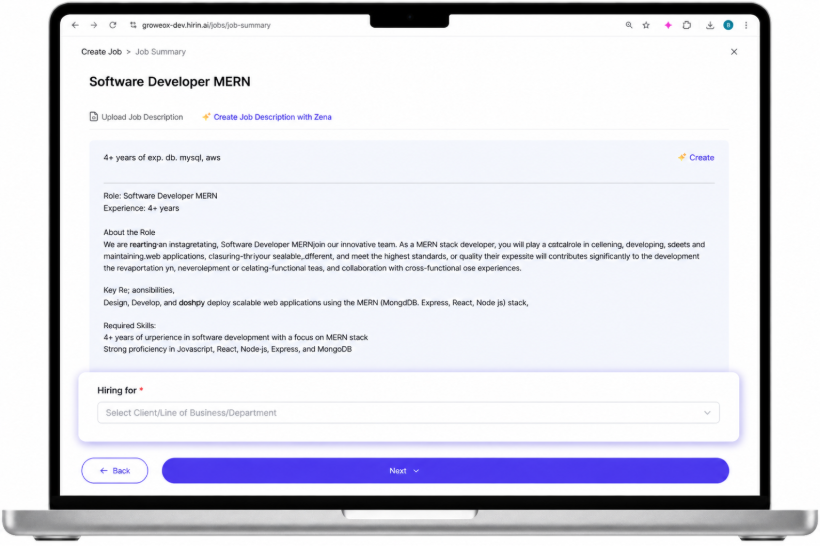
Figure 7: Selecting Client / LOB / Department
Was this article helpful?
That’s Great!
Thank you for your feedback
Sorry! We couldn't be helpful
Thank you for your feedback
Feedback sent
We appreciate your effort and will try to fix the article